Appearance
Actors
VHOLUME gameplay actors live in the VHOLUME bridge plugin. The actors you place are placeholders; the game swaps them for the real in-game versions when a player loads your map.
Where to find them
All available actors are under the VHOLUME Runtime Content plugin folder in the Content Browser:
Plugins/VHOLUME Runtime Content/VHOLUME/Public/GameplayIf you do not see plugin folders in the Content Browser, click the Settings icon in the top-right of the Content Browser and enable Show Plugin Content.
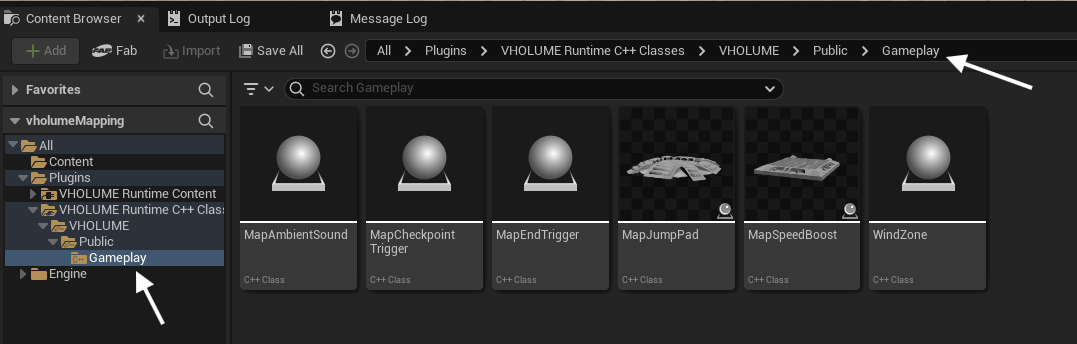
Available actors
- Checkpoints - spawn and respawn points.
- Map End Trigger - the finish area of the map.
- Ambient Sound - background ambience for the map.
- Wind Zones - push the player with configurable force.
- Jump Pads - launch the player in a direction.
- Speed Boosts - give the player a temporary speed increase.
- Death Triggers - kill the player and respawn them at the last checkpoint.
Important rules
- Do not rename the
VHOLUMEplugin folder or.upluginfile. Class paths like/Script/VHOLUME.WindZoneare baked into every map. - Place actors from the
VHOLUMEcontent browser category only. - Keep the level-baked
PlayerStartactor that ships with the default template.