Appearance
Jump Pads
Jump Pads launch the player in a specific direction when touched.
Placement
- Place a Map Jump Pad actor in the level.
- Rotate it so the launch arrow faces the way you want.
- Adjust the Cooldown property to control how often it can be used.
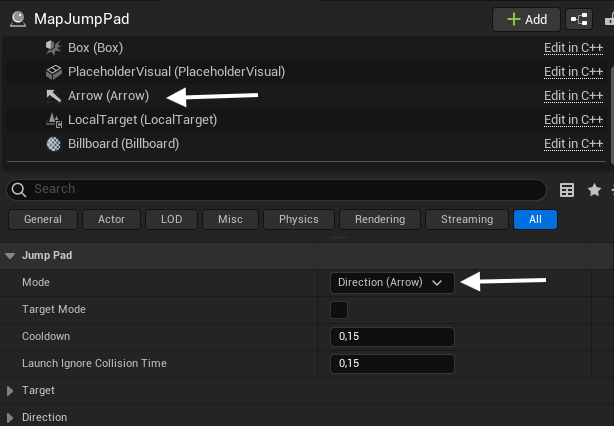
Properties
- Mode - choose how the launch direction is determined:
- Direction (Arrow) - launch in the direction of the actor's arrow component.
- Target - launch toward a target actor.
- Target Mode - enabled when using Target mode.
- Cooldown - minimum time between launches for the same player.
- Launch Ignore Collision Time - time after launch during which the player ignores collision.
- Target - the actor to launch toward when using Target mode.
- Direction - overrides the launch direction vector.
Notes
- The actor you place is a placeholder. The game swaps it for the real jump pad when the map loads.
- Make sure the pad has clear landing space below it.